Question
How do I quickly find out the installed BIOS version (UEFI)?
Answer
The MSInfo32.exe program available under all current Windows versions can be used for this purpose.
Press Windows key + r to open the Run dialog. Type msinfo32 and confirm with ENTER.
MSInfo32 displays the information you are looking for directly in the start window.
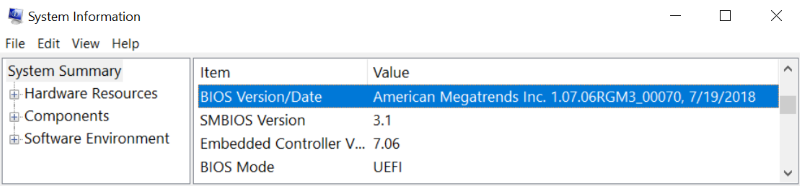
Directly below you will also find the SMBIOS version.
 (en-gb) ▼
  Klick hier, um diese Seite auf Deutsch zu lesen
 Click here to read this page in English
 Cliquez ici pour lire cette page en français
 Klik hier om deze pagina in het Nederlands te lezen







